Blog · November 20, 2026
Year-End Invoicing Checklist: Tidy Up Before January
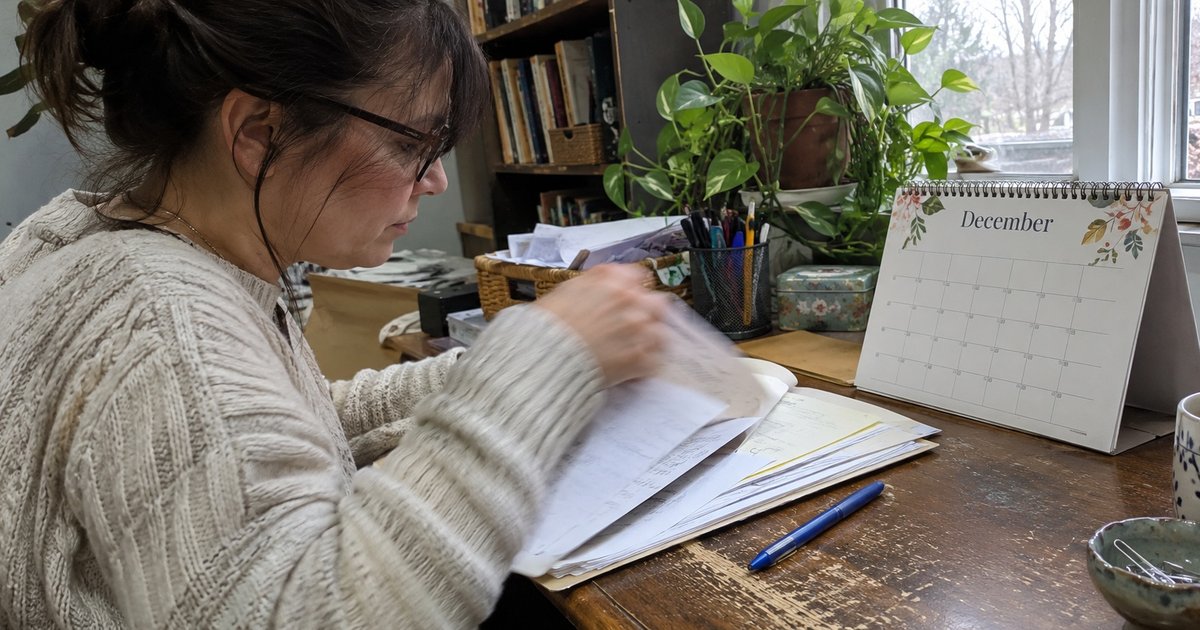
December has a way of arriving faster than anyone planned. Customers go quiet, schedules fill up, and the paperwork you meant to deal with in October is still in the pile. A short year-end invoicing routine, done now, saves you a messy January. Here is a checklist you can work through over a few evenings.
This is general good practice, not tax advice. For anything involving your tax return, check with a tax professional.
1. List every outstanding invoice
Start by getting a clear picture. Write down every invoice you have sent that has not been paid: the customer, the invoice number, the amount and the due date. An outstanding invoice is simply one that has been sent but not yet paid.
Sort the list into two groups:
- Not yet due. Nothing to do except keep an eye on them.
- Overdue. These need a follow-up.
Seeing the total in one place is useful on its own. Many people are surprised by how much is sitting out there.
2. Follow up on overdue invoices
Now work through the overdue group, oldest first. Keep it polite and short. A good reminder includes:
- The invoice number and amount
- The original due date
- How to pay
- A friendly line such as "Please let me know if anything is unclear"
Most late payments are oversight, not refusal. A calm nudge before the holidays often gets things moving, because people are also trying to clear their own desks.
If a customer has not responded after a couple of reminders, decide what you are comfortable doing next. Rules about late fees and collections differ by state, so check your state's official resources or speak with an attorney before taking anything formal.
3. Invoice work you have finished but not billed
This is the one people miss. Look back through your calendar and messages for jobs that are done but never invoiced: the small repair, the extra hour, the rush request. If you did the work, bill it. The longer you wait, the harder it is to remember the details, and the odder the invoice looks to the customer.
If you will be away or busy over the holidays, send invoices for completed work before you go, so payment is not waiting on your return.
4. Close out open estimates
Look at estimates you sent that were never answered. For each one:
- If the customer said yes, turn it into a job and an invoice.
- If it has gone quiet, send a short check-in or mark it as closed.
- If it has expired, say so, and offer to refresh the numbers if they still want it.
A tidy list of open estimates tells you what work you can actually expect in the new year.
5. Check your invoice numbers
Scan your invoices for gaps or duplicates in the numbering. If you find a missing number, make a note of why (for example, a draft you never sent). A clean sequence makes your records easier to follow.
6. Gather your receipts and payment records
Pull together the records that show what came in and what went out this year:
- Copies of invoices sent
- Records of payments received, including cash and checks
- Receipts for business expenses
Put them in one place, whether that is a folder on your computer or a physical box. The IRS says good records help you monitor your business, prepare your financial statements, track deductible expenses and support items on your tax return. It also says you may choose any recordkeeping system suited to your business that clearly shows your income and expenses. See its recordkeeping guidance and its page on how long to keep records.
7. Back up what you have
Make one copy of your invoices and records somewhere other than the device you usually work on. A cloud folder or an external drive both work. It takes ten minutes and it is the kind of thing you only appreciate once, on the day you need it.
8. Review your terms and prices for the new year
Use the quiet days to look at how you bill:
- Are your payment terms working, or are customers regularly paying late?
- Do you ask for a deposit on larger jobs?
- Are your prices still right for the work you do?
If you plan to change anything, give customers notice and put the new terms on your estimates and invoices from the start of the year.
9. Pick a date and put it on the calendar
None of this takes long, but it only happens if you schedule it. Choose a date in the next two weeks and block an hour. Work from the top of this list, and stop when the hour is up. A partial clean-up still beats none.
A word about SettleUp
SettleUp is an iPhone app for estimates, jobs, expenses, invoices and payments, built for freelancers and small service businesses. It is coming soon to iPhone, and you can sign up at settleupapp.net to be notified when it launches. In the meantime, the free invoice and estimate templates on the website are ready to use.
Sources
Tired of filling in PDFs?
Send invoices
from your phone.
SettleUp makes the invoice, sends it as a link and a PDF, and tells you when it’s opened and paid. The free plan includes 3 invoices a month, with unlimited estimates and customers.
See how it works